
Free up storage
Why Is My iPhone Storage Still Full After Deleting Photos?
Your iPhone storage is still full after deleting photos because they are not gone yet: deleted photos and videos stay in the Recently Deleted album for 30 days and keep taking space. Empty that album in the Photos app to get the space back sooner. If storage stays full, check iCloud Photos and what else fills the phone.
You deleted a lot of photos, but the storage is still full. Whether you typed "why is my iPhone storage full" or "full no matter how much I delete", the usual cause is the same, and the fix is built in.
This page is written by the makers of GetSorted. The iPhone steps were checked on 15 November 2026 against Apple's iPhone User Guide for iOS 26 and iOS 27 and Apple's support articles, linked below.
Why is my iPhone storage still full after deleting photos? The usual cause#
Deleting a photo does not take it off the iPhone at once. According to Apple's iPhone User Guide, the iPhone keeps deleted photos and videos in Recently Deleted for 30 days and only then removes them for good. Until then they are still on the phone and still take their space. Many people call that album the trash; Apple's name is Recently Deleted.
In short: check in this order
- Recently Deleted: empty it.
- The storage figure: read it again later.
- iCloud Photos: optimized photos free less.
- Other categories: is Photos the biggest?
- Videos: usually the largest items.
How do you empty Recently Deleted?#
The path is the same in iOS 26 and iOS 27:
- Open Photos and tap Collections.
- Scroll down to Utilities and tap Recently Deleted (if it is not listed, tap Utilities for the whole list).
- Tap View Album and unlock it with Face ID, Touch ID or your passcode.
- Look through the album: what you delete here cannot be recovered.
- Tap Select. To empty the album, select nothing; to delete single items, tap them.
- Tap the More button, then Delete All (for a selection: Delete), and confirm.
Delete All and the confirmation (Delete from All Devices) are named in Apple's article Delete photos on your iPhone or iPad; the user guide only mentions Delete. Two things to know:
- With iCloud Photos, it applies everywhere. What you delete on the iPhone is deleted on every device where you use iCloud Photos (Apple).
- Over your iCloud limit, nothing waits. Then the iPhone removes deleted photos at once, and they cannot be recovered from Recently Deleted (Apple).
Not in a hurry? After 30 days iOS deletes the items for good by itself.
How long does the storage figure take to update?#
Apple does not say. Its guide says where to read the figure: Settings, General, iPhone Storage, with the available storage at the top (Apple). The figure may need time to catch up; how much, Apple does not state, and we have not measured it, so this page names no time.
So empty the album first, then look again later. If your iPhone storage is still full after deleting photos from Recently Deleted, read on.
Does iCloud Photos with Optimize iPhone Storage change what deleting frees?#
Yes. With iCloud Photos, Optimize iPhone Storage is on by default: the originals are in iCloud, and the iPhone keeps storage-saving versions (Apple's user guide). The phone optimizes when it needs space, starting with what you open least (Apple).
So a photo whose original is only in iCloud takes less room on the iPhone than its full size, and deleting it gives back less than you might expect. Apple puts no number on that, and neither do we. Your setting is under Settings, your name, iCloud, Photos (in iOS 27, then iPhone Storage). More in photos taking up space on iPhone even with iCloud.
Was Photos really the biggest category?#
Check before you delete more. Settings, General, iPhone Storage lists your apps with the space each one uses; Apple's categories are Apps, Photos, Media, Mail, Apple Books, Messages, iCloud Drive, Other and System (Apple).
If the iPhone storage is full even after deleting photos and apps, look at what Apple's guide for iOS 27 names as common sources besides photos: message conversations with their attachments, videos downloaded in the TV app and other streaming apps, and files in the Files app.
What frees the most space? Videos first#
Videos are usually the largest items in a library, and according to Apple's Camera guide, the higher the resolution and frame rate, the larger the file. For the Storage Almost Full alert, Apple's own advice is to check the storage recommendations or remove content such as videos and apps.
To see only videos, tap the Sort and Filter button in the Photos library: in iOS 27 use the Media Types filter, in iOS 26 tap Filter, then Videos (Apple). Photos sorts by date; Apple's guide lists no order by file size, so you pick out the long ones yourself. What you delete lands in Recently Deleted again: empty it once more. More: how to clean up photos on iPhone.
Why is my iCloud storage still full after deleting photos?#
iCloud storage is a different meter, and Recently Deleted is not the reason there: Apple does not count what is in Recently Deleted toward your iCloud storage (Apple). Check instead:
- Other data. iCloud also holds device backups, iCloud Drive, Messages and Mail; Settings, your name, iCloud shows what uses it.
- Backups. Without iCloud Photos, your photo library is part of your iCloud Backup, and Apple's steps for shrinking it end with a new backup.
What to delete next, and how to see what you removed#
Once Recently Deleted is empty, storage only improves by deleting more. No app can decide that for you or repair a storage figure. GetSorted, our app, is made for that review: one month at a time, one photo per screen. What it deletes follows the same 30-day rule:
- Open a month, or the Videos list on the Overview tab: your videos month by month, and a month's grid shows each video's length. GetSorted shows no file sizes and does not sort by size.
- Swipe up to mark a photo Remove, down to mark it Keep. Nothing is deleted while you sort: what you marked Remove waits in GetSorted's Trash, still in your library, still taking its space.
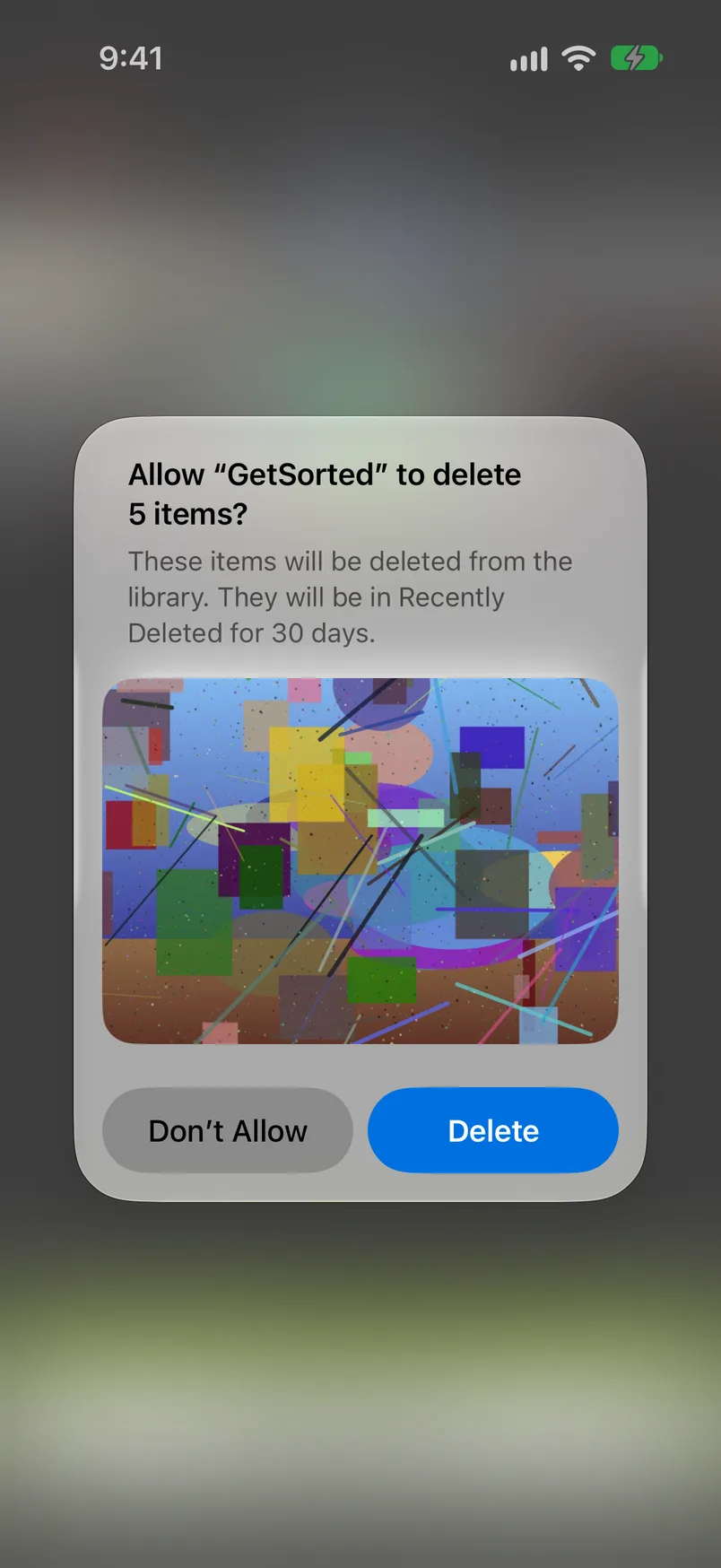
- When the month is decided, tap Complete month, or empty the Trash, and confirm the iOS dialog. Only now are the photos deleted.
- They are now in Recently Deleted like any other deleted photo. GetSorted cannot empty that album or bring a photo back; both happen in the Photos app, with the steps above.
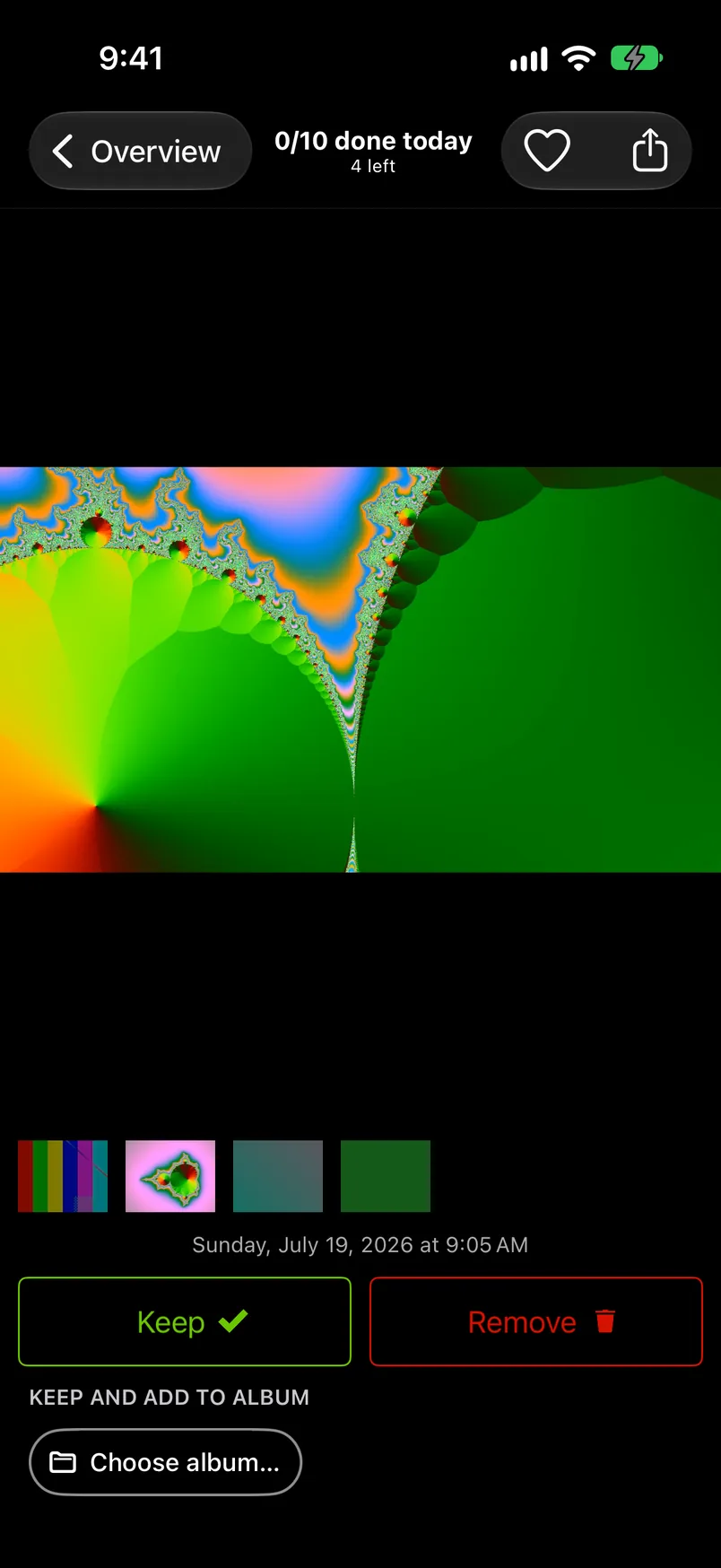
The sizes GetSorted shows are estimates, and removed is not freed. The Clean up tab reads, for example, "About 1.4 GB · waiting in Trash". After Complete month, Freed on the month's summary is roughly what the deleted items took on this device, not space you already have back. The storage card on the Progress tab ("7.5 GB removed") counts items that had a decision and have left your library, partly at an average size. All of these lean low when originals are only in iCloud.
What is free: the download, with no ads, and six calendar months of your library, of your choice, with no time limit: six months of photos, not six months of time (the app calls it the free trial). Further months need GetSorted Plus, a subscription (monthly or yearly); see the six free months.
Why is my iPhone storage still full after deleting photos?
Deleted photos and videos stay in Recently Deleted, and on the iPhone, for 30 days. Empty that album in Photos (Collections, Utilities, Recently Deleted) to get the space back sooner. If storage is still full, check Optimize iPhone Storage and the list under Settings, General, iPhone Storage.
Do recently deleted photos take up storage?
On the iPhone, yes: they are kept for 30 days before they are removed from the device, and take their space until then or until you empty the album. In iCloud, no: Apple does not count items in Recently Deleted toward iCloud storage.
How long does it take for iPhone storage to update after deleting photos?
Apple gives no time, and we have not measured one. The order is certain: the space cannot come back before the photos have left Recently Deleted. Empty the album, then read the figure under Settings, General, iPhone Storage again later.
Does deleting photos free up storage on iPhone?
Yes, once the photos are permanently deleted: after 30 days, or when you empty Recently Deleted. With Optimize iPhone Storage the phone may have held only storage-saving versions, so less comes back. For deleting many photos at once, see the fastest way to delete photos on iPhone.
Why is my iCloud storage full after deleting photos?
Not because of Recently Deleted, which Apple does not count toward iCloud storage. Check what else uses it: backups, iCloud Drive, Messages and Mail. See photos taking up space on iPhone even with iCloud.