
If you are new to the app, start with Getting started and then read Sorting photos: the swipes and the album chips are where most of the cleaning happens. The other chapters of this user guide take the app screen by screen, and the FAQ has the short answers.
How GetSorted works#
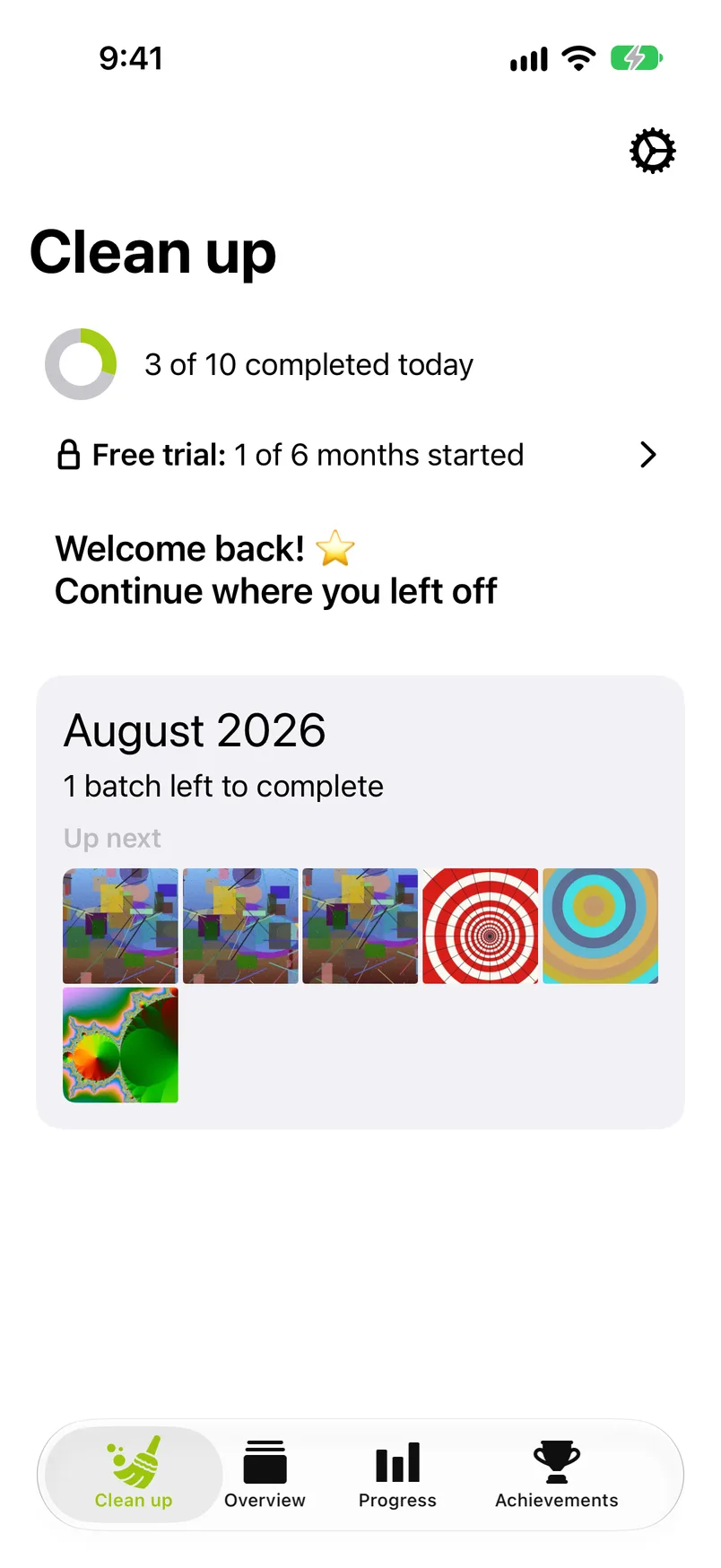
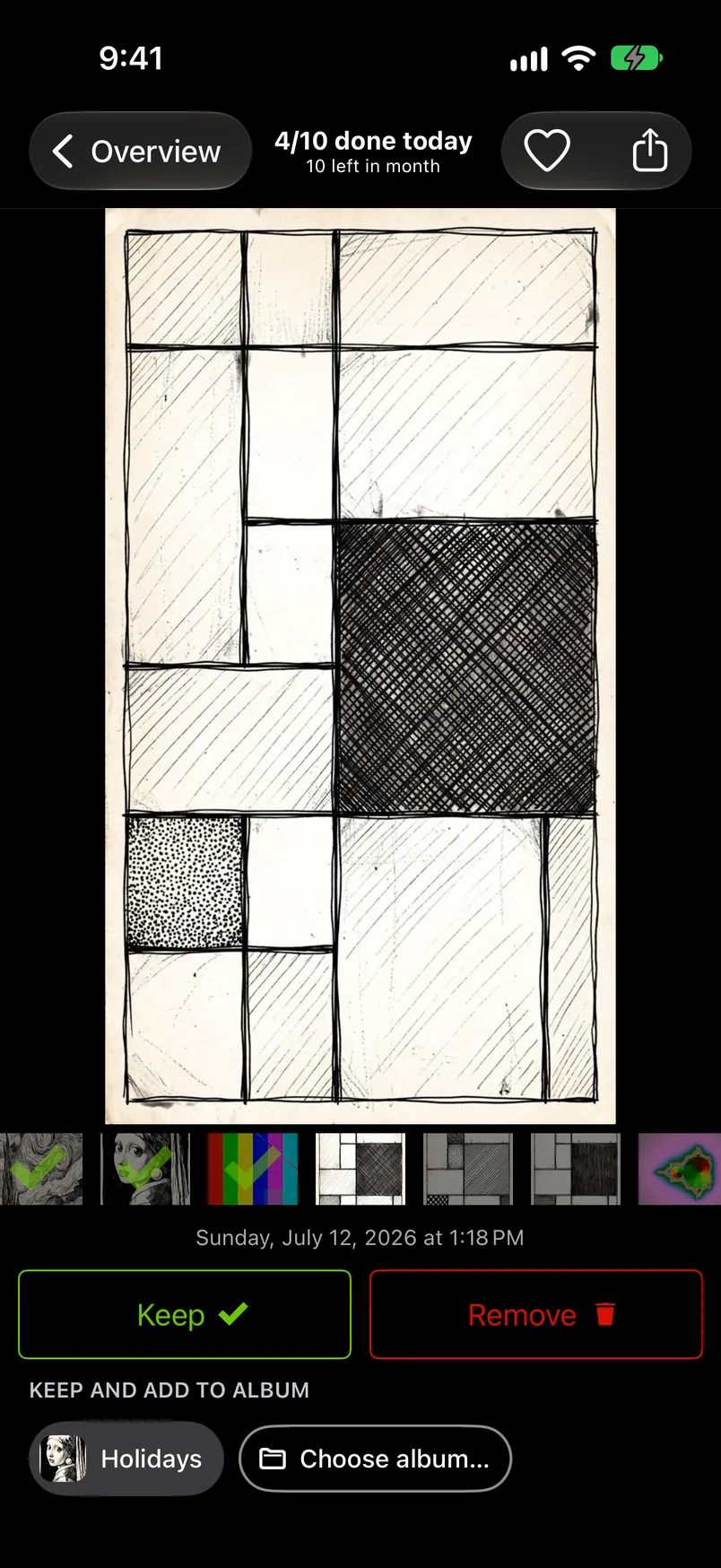
To clean up photos on iPhone or iPad, GetSorted shows your library one month at a time. You go through a month photo by photo and decide, with a swipe, whether each one stays or goes. Nothing is deleted while you sort: a photo you mark Remove waits in the Trash and only leaves your library when you complete its month or delete it from the Trash. Either way iOS asks you to confirm, and even then the photo sits in Recently Deleted in Photos for 30 days.
- Pick a month on the Overview tab or continue the one the Clean up tab suggests.
- Swipe each photo up to remove it or down to keep it. Tap an album chip to keep it and file it at the same time.
- Reach your daily goal, a batch of photos you choose yourself, and come back tomorrow.
- Complete the month to move what you marked Remove in it to Recently Deleted; GetSorted then sums the month up and offers the next one. Or open the Trash to delete what you marked in every month at once.
Chapters#
- Getting startedPhoto access, your library in numbers, the practice run, the first paywall and the daily goal.
- The Clean up tabYour daily goal, what is waiting in the Trash, the months you started, what counts as completed.
- Sorting photosSwipes, paging, zoom lock, the heart, sharing, videos, Live Photos and the similar-photos badge.
- AlbumsAlbum chips, Choose album, new albums, folders and pinning.
- The month gridQuick Select, two-finger selection, Complete month, the month summary and the way on to the next month.
- The TrashEverything you marked Remove in one place: keep a photo after all, or delete them all.
- The Overview tabThe lists across all years, the years and months, and the months you completed.
- Across all yearsVideos, screenshots, Live Photos, similar photos and compare mode.
- Progress and achievementsDaily goal, storage removed, streaks, Your Stats and the achievements.
- SettingsGoal, reminders, app data, the practice replay and where to restore a purchase.
- Free trial and subscriptionThe six free months of your library, what a subscription unlocks, and the paywalls you may see.
- iPadThe two-column layout and the sorter with more room.
- AccessibilityDynamic Type, VoiceOver, Reduce Motion and landscape.
- PrivacyWhat GetSorted keeps, what it syncs through your own iCloud, and what it reports.
- FAQ and troubleshootingPhoto access, the Trash and Recently Deleted, months that come back or show a lock, purchases.
The gestures at a glance#
Swipe upMarks the photo Remove and moves on.
Swipe downMarks the photo Keep and moves on.
Swipe left or rightLooks at the next or the previous photo without deciding anything. A tap on the left or right side of the photo does the same.
Tap an album chipKeeps the photo and adds it to that album in one go.
Tap the heartMarks the photo as a favorite in Photos and keeps it. The sorter stays on the photo, so you can still add it to an album.
PinchZooms in. Lift your fingers and the zoom stays while you page.
Two-finger dragIn Quick Select on the month grid, selects a whole row at once.