
Dynamic Type#
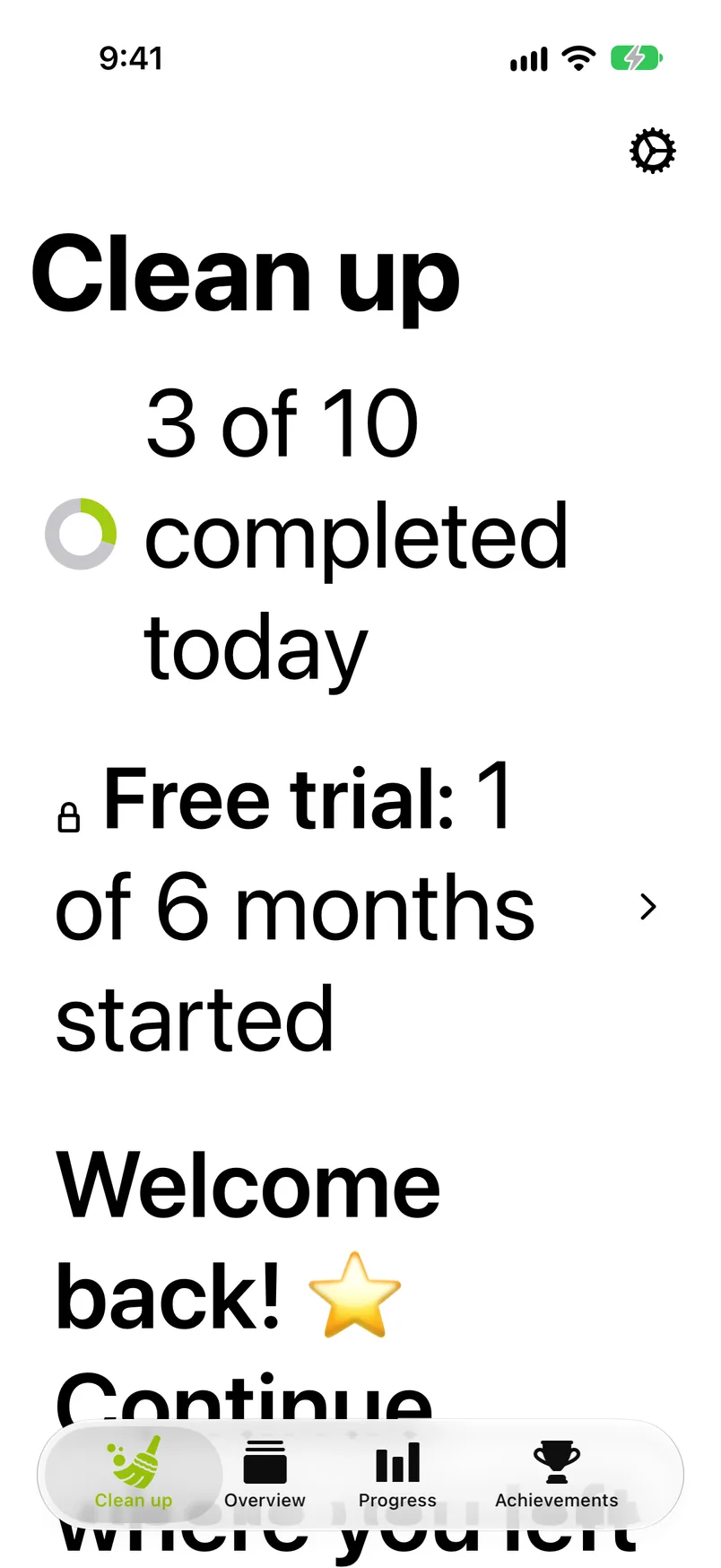
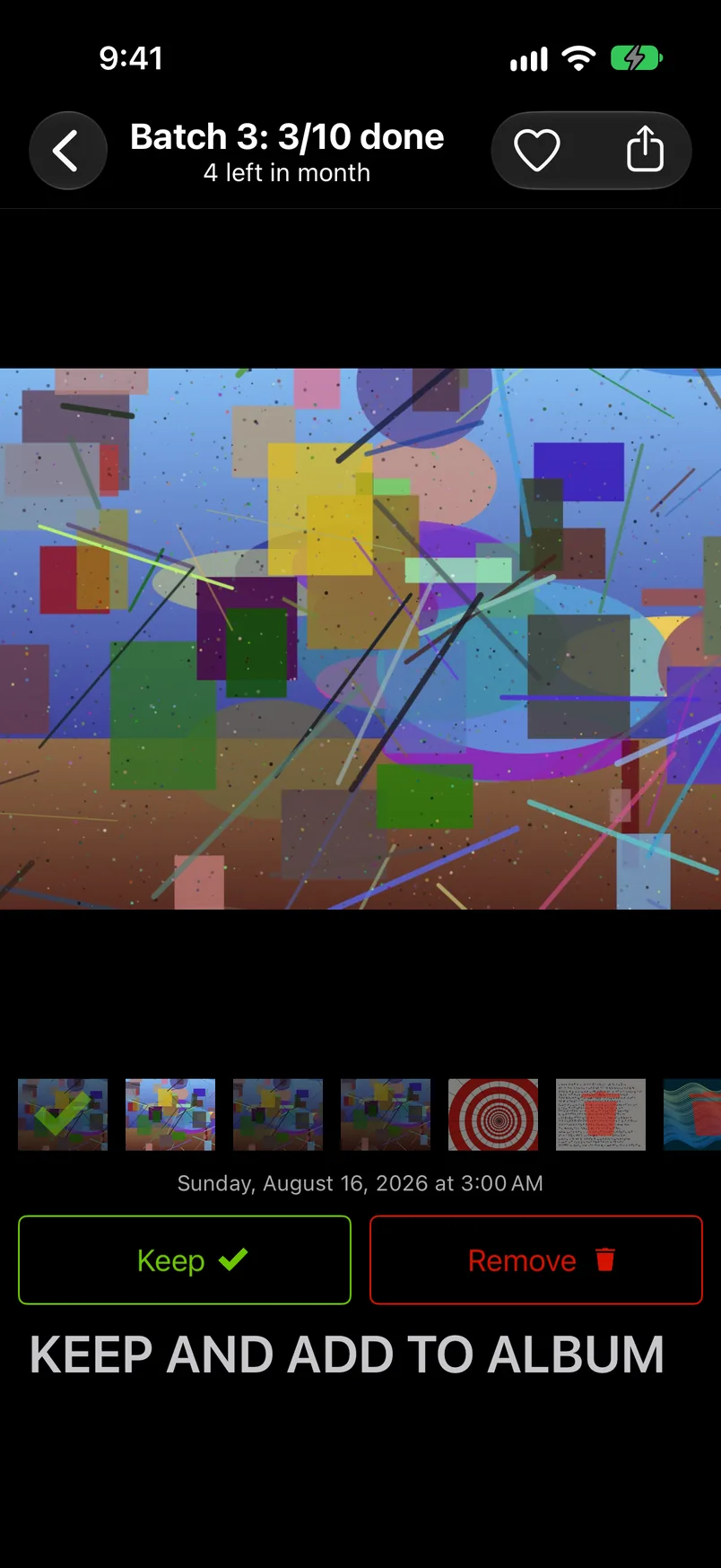
Most labels in GetSorted scale with the text size you set in the iOS Settings (Accessibility › Display & Text Size › Larger Text), up to the largest accessibility sizes. Some do not: in the sorter the Keep and Remove buttons and the date under the photo keep their size, and so do the rows of Settings › iCloud and of Manage app data. Others grow only up to a limit: the sorter's title, the big button under the month grid, the days of the streak calendar and the labels of the chart.
Layouts rearrange instead of truncating: the library stats cards, the Progress tab's count cards and the Achievements cards go to one column, the rings move above their text, long screens scroll, and the big button under the month grid grows with its title, up to a limit. The tip bubbles and the practice bubbles wrap their text. In the sorter the album row grows and the photo gives way, so the album chips may sit below the edge of the screen at the largest sizes.
VoiceOver#
With VoiceOver on, the photo in the sorter is one element that reads the photo's date, its state (Keep, Remove or Not sorted), whether it is a favorite and whether it is in an album. Its actions replace the swipes:
- Previous photo and Next photo page through the month.
- Skip to next unsorted jumps ahead.
- Keep and Remove are the two buttons under the photo; a decision is announced ("Kept", "Marked for removal"). A keep by the heart is announced as "Kept" too.
- The album chips announce "Added to Holidays and kept"; a lit chip's hint says that a tap removes the photo from the album.
- The zoom lock reads "Zoom lock, locked" or "unlocked"; double-tap it to zoom out.
The month grid reads each photo with its date and state; in Quick Select the selection is announced. The practice run and the tip bubbles read their text when they appear, and the practice's bubbles name the buttons instead of the gestures ("Double-tap Remove below the photo to remove it").
The trash button on the month grid reads "Trash" with the number of items as its value. In the Trash every photo is a button whose hint says "Keeps it and takes it out of the trash." The Clean up tab's items to delete card reads its two lines and the hint "Opens the trash, where you can review and delete them." A locked month reads "Locked" before its count. On the Progress tab the Today card is one element ("Today, 37 of 50, 5-day streak"); on the Achievements tab each card reads its title, then "Locked" and what is left, or when it was unlocked. When a month is finished, VoiceOver moves to the summary card. The launch animation is hidden from VoiceOver.
Reduce Motion#
With Reduce Motion on, paging in the sorter crossfades instead of sliding, the tip bubbles appear without a fade, the practice's pointing finger stands still beside an arrow instead of looping, and in the practice run the glow around the control to tap stays lit instead of pulsing. The launch animation does not move: the grid of letters fades into the app. During setup the fact tiles of the library stats screen appear at once instead of fading in. Swipes still follow your finger.
Not every movement stops: cards that pop up (a reached goal, an achievement, a finished month) still fade in with a slight zoom, and the fireworks around a newly unlocked achievement still play.
Reduce Transparency#
With Reduce Transparency on, the bar under the month grid has a solid background instead of a blur.
Landscape#
On an iPhone in landscape the sorter hides the Keep and Remove buttons, the album chips and the date under the photo to give the photo the whole screen; the swipes still work, and turning the phone back brings the buttons back. The iPad works in portrait and in landscape, see iPad.