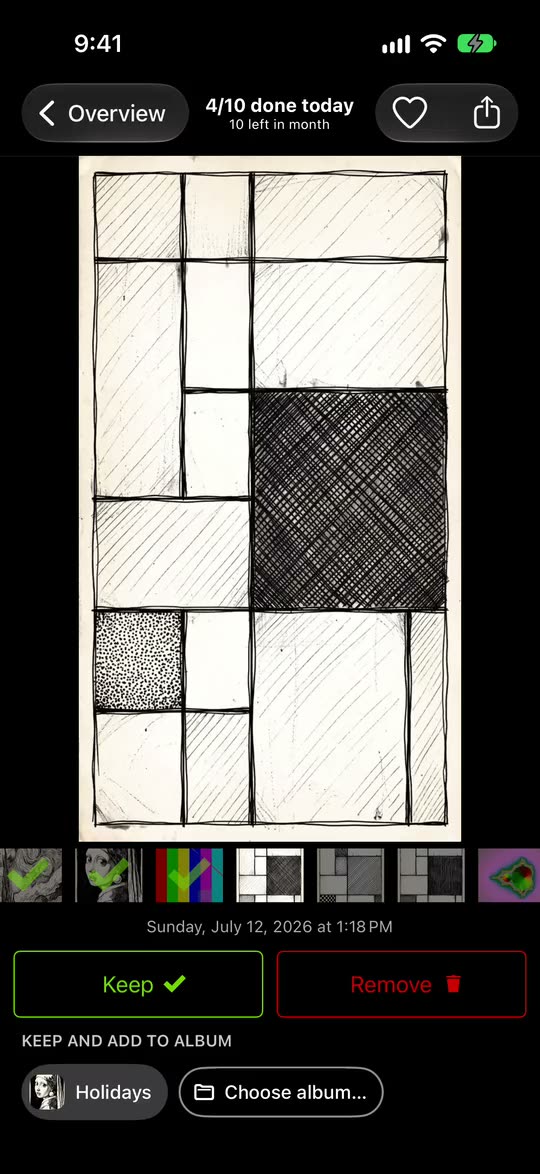
File it while you keep it
The albums you pin sit under every photo as chips. Tap one, and the photo is kept and added to that album in one move.
The app to clean up photos on iPhone and iPad
Swipe up to remove, down to keep. Nothing is deleted until you finish the month and confirm.

Free to download and try. No account, and your photos are not uploaded.
Use the Keep and Remove buttons. With the photo focused, the up arrow removes it and the down arrow keeps it.
That is the whole idea.
In the app, nothing is deleted until you complete the month and confirm.
Download GetSortedThe app’s sorter, with the drawings from its practice run. Try it.

GetSorted: Clean Up Photos, by In Ordinem LLC. On the App Store since 2019.

Five screens from the App Store listing.


From the App Store listing. Some screens show an earlier look of the app; the method has not changed.
Thousands of photos feel impossible. One month does not.
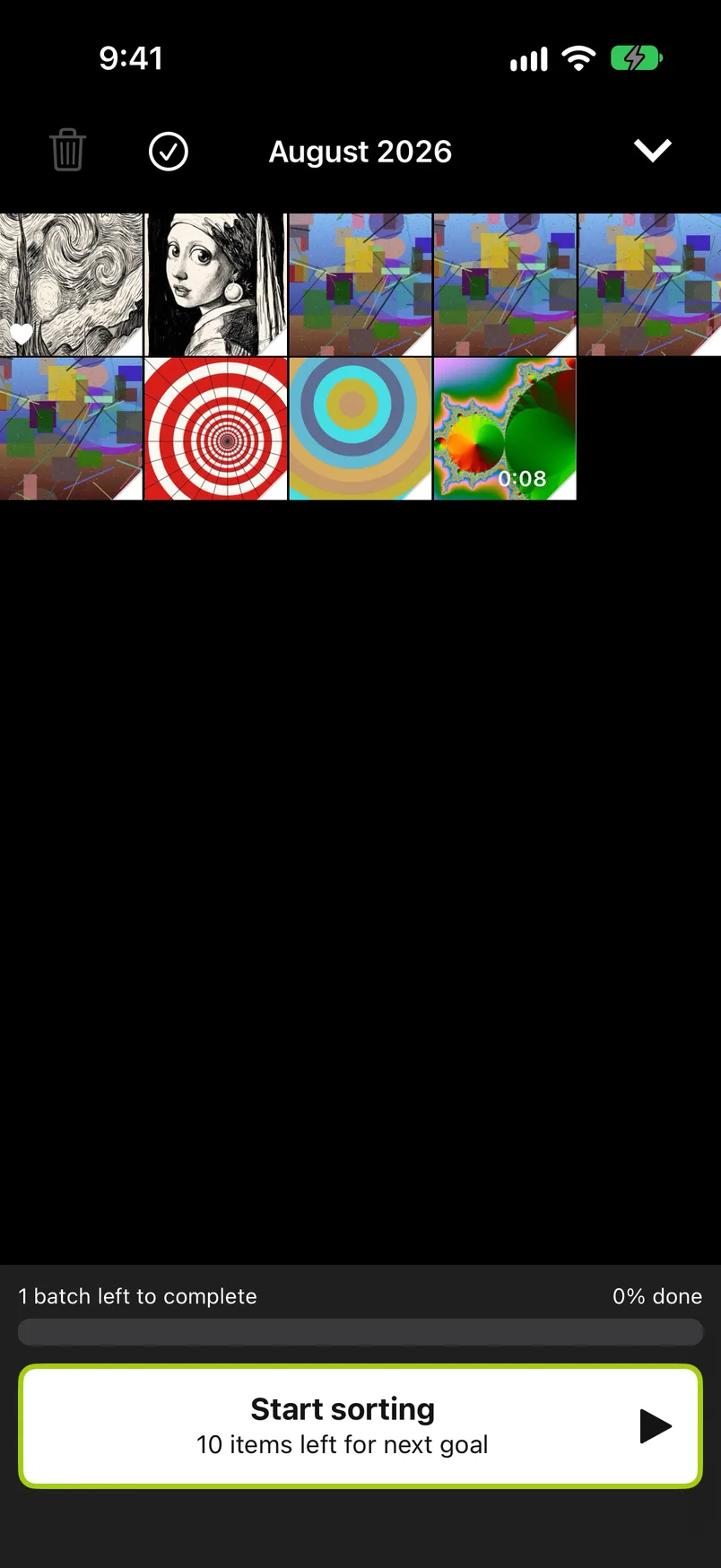
Your library arrives cut into months. Start with any of them: last month, or a summer you never looked at again.
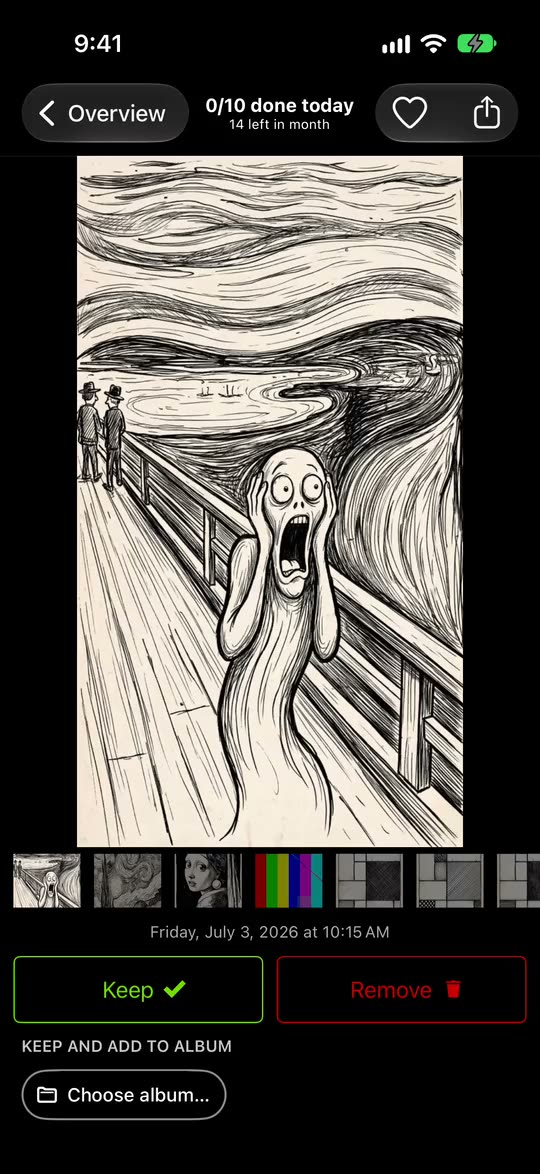
Each photo or video fills the screen. Up marks it Remove. Nothing is deleted yet.
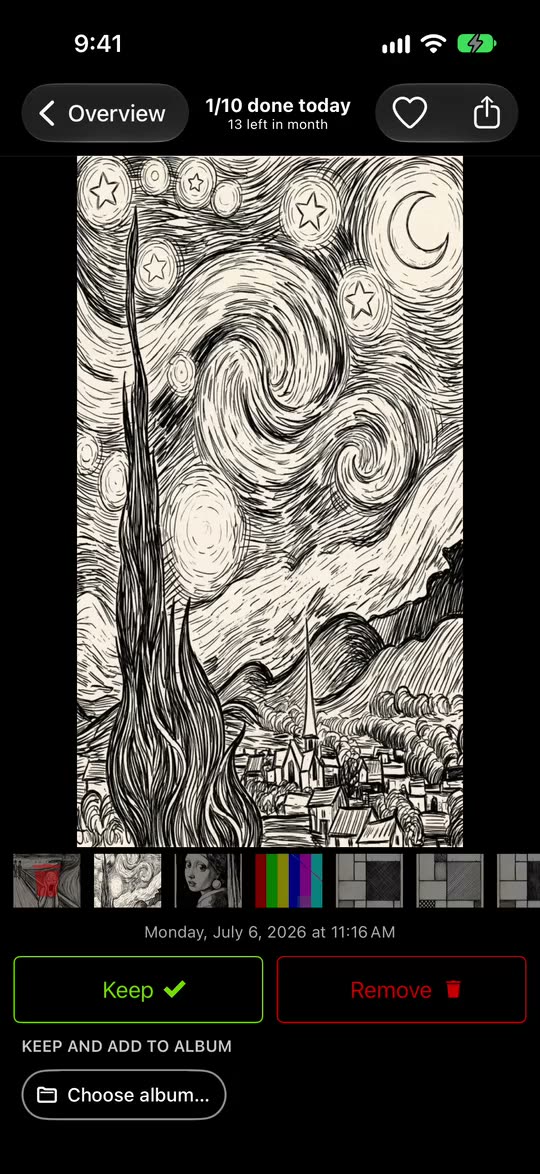
Down keeps it. A sideways swipe looks at the next or the previous photo without deciding, and a tap on an album chip keeps the photo and files it.
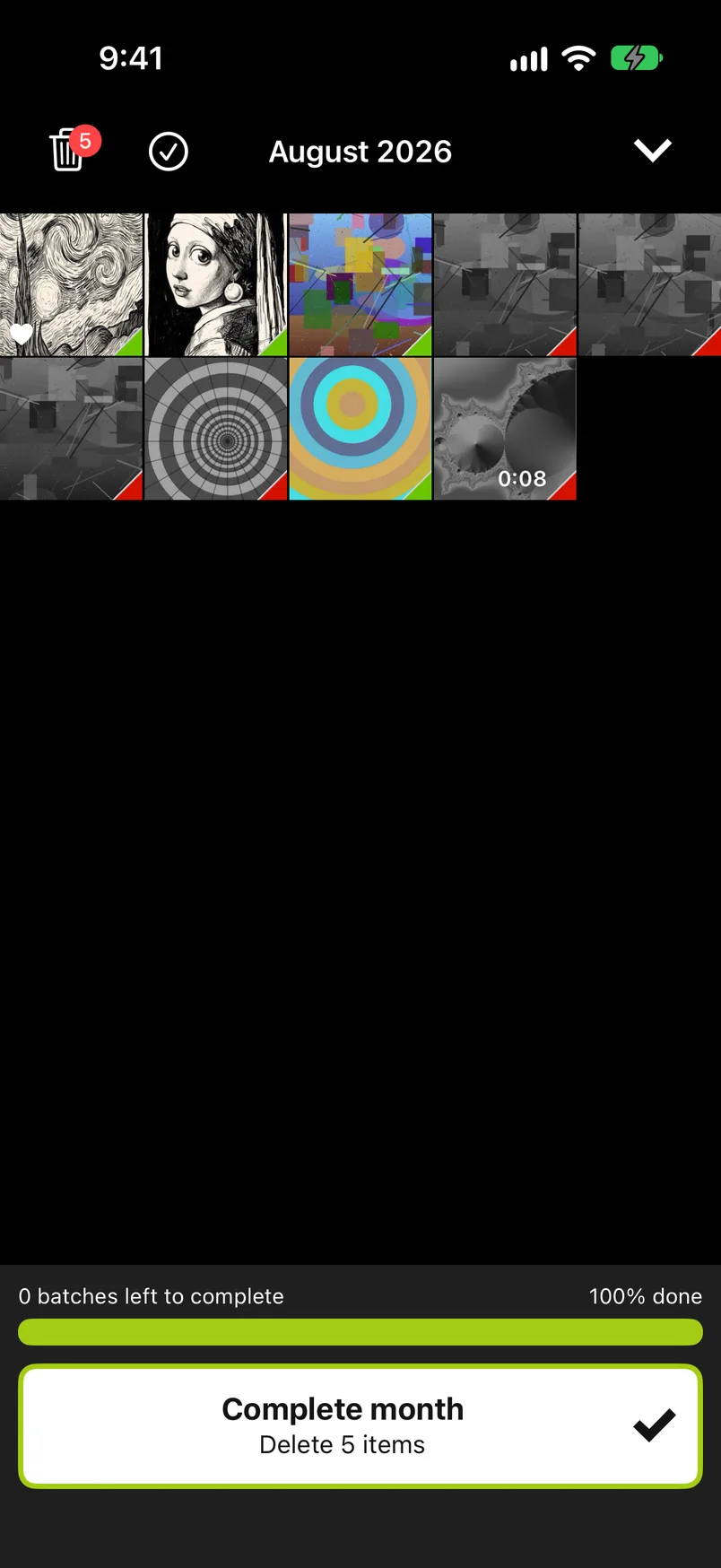
When every photo has a decision, you complete the month. Only then, after you confirm, are the removed photos deleted. They stay in Recently Deleted in the Photos app for 30 days.
The albums you pin sit under every photo as chips. Tap one, and the photo is kept and added to that album in one move.
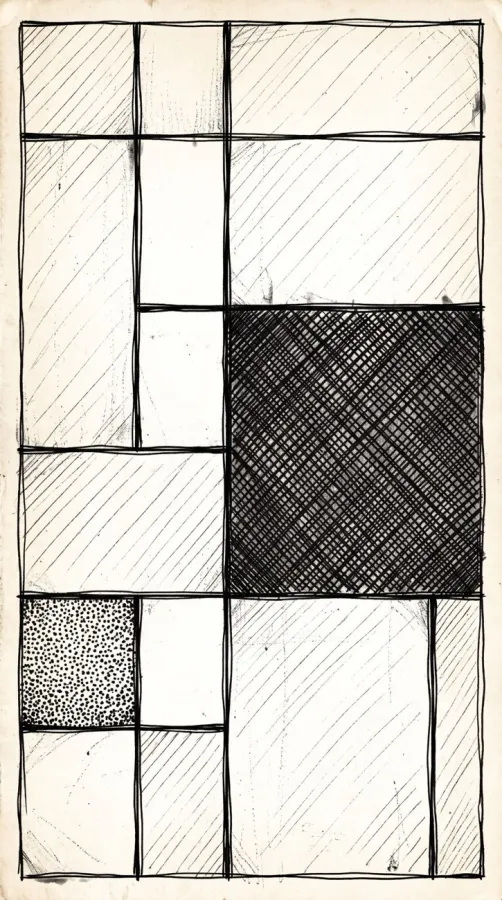
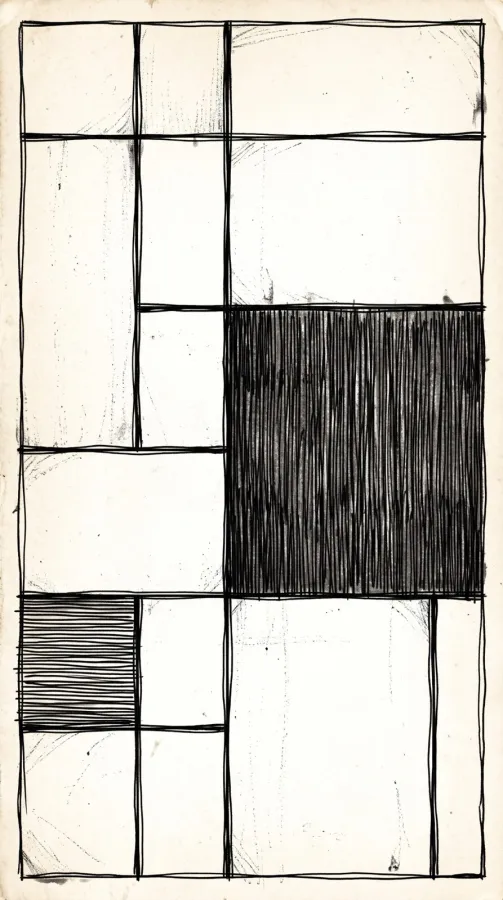
 3 similar photos
GetSorted groups similar photos from each month and lets you go through a group photo by photo, so you keep the best one. Videos, screenshots and Live Photos have lists of their own, across all years.
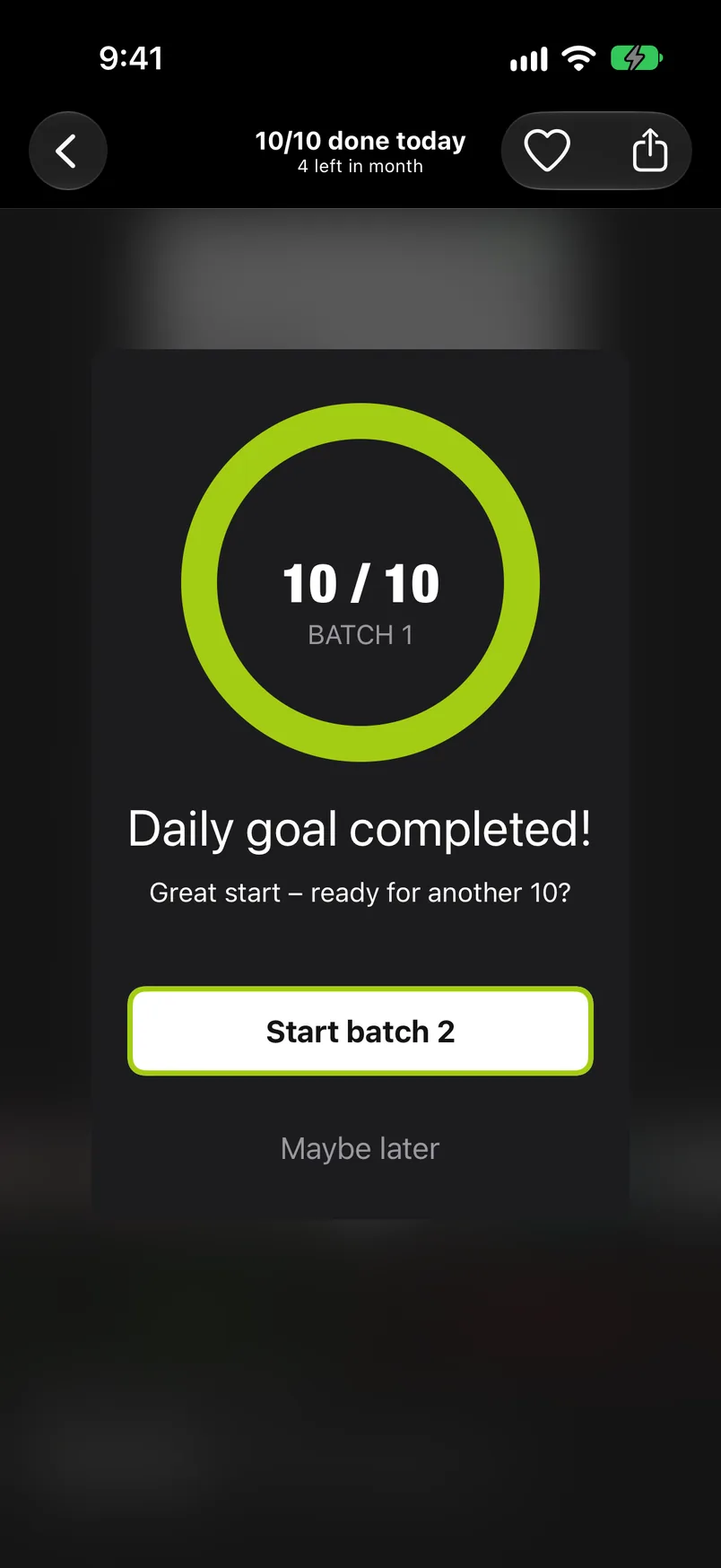
Set a daily goal, a batch size you choose. Streaks and achievements keep the habit going, and the statistics show how much you have sorted and removed.
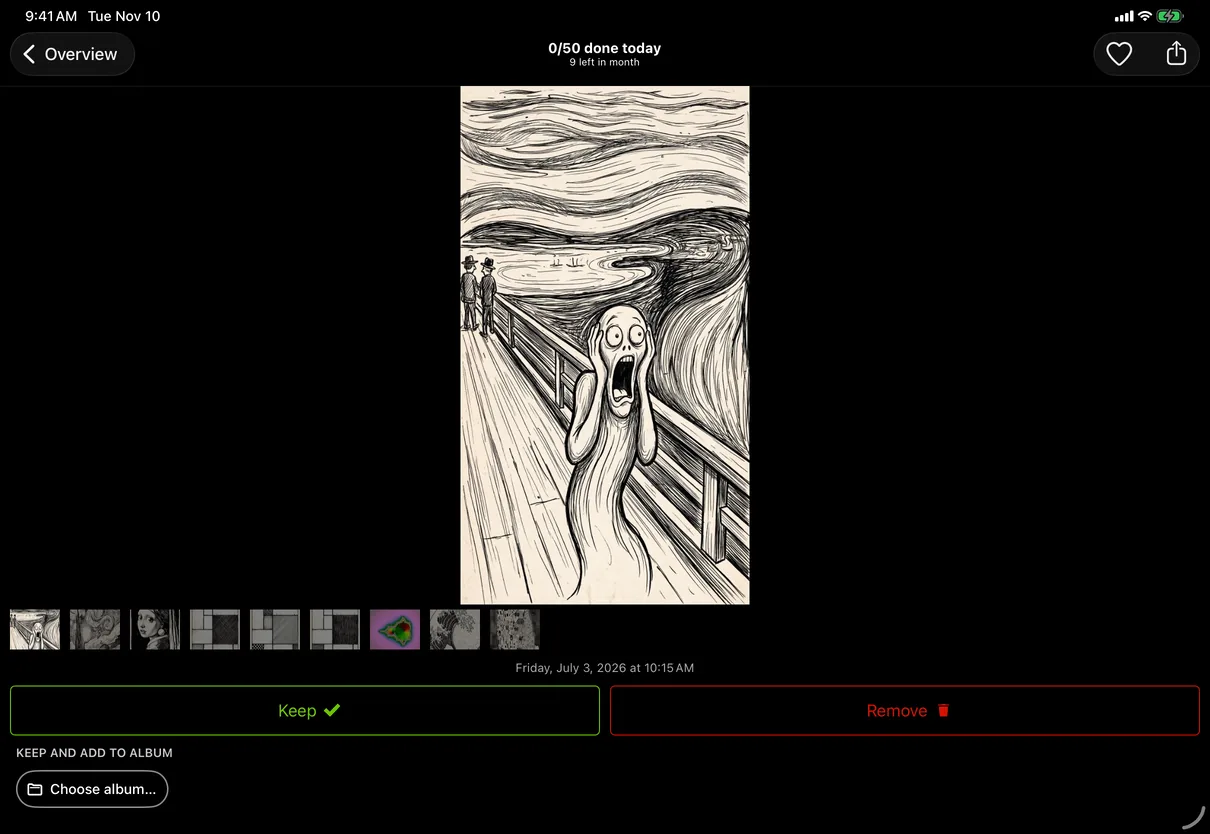
Sort on either one. Your progress is saved in your iCloud and shared between your devices.
Nothing disappears on a swipe. A removed photo passes three stops, and you can take it back at each of them.
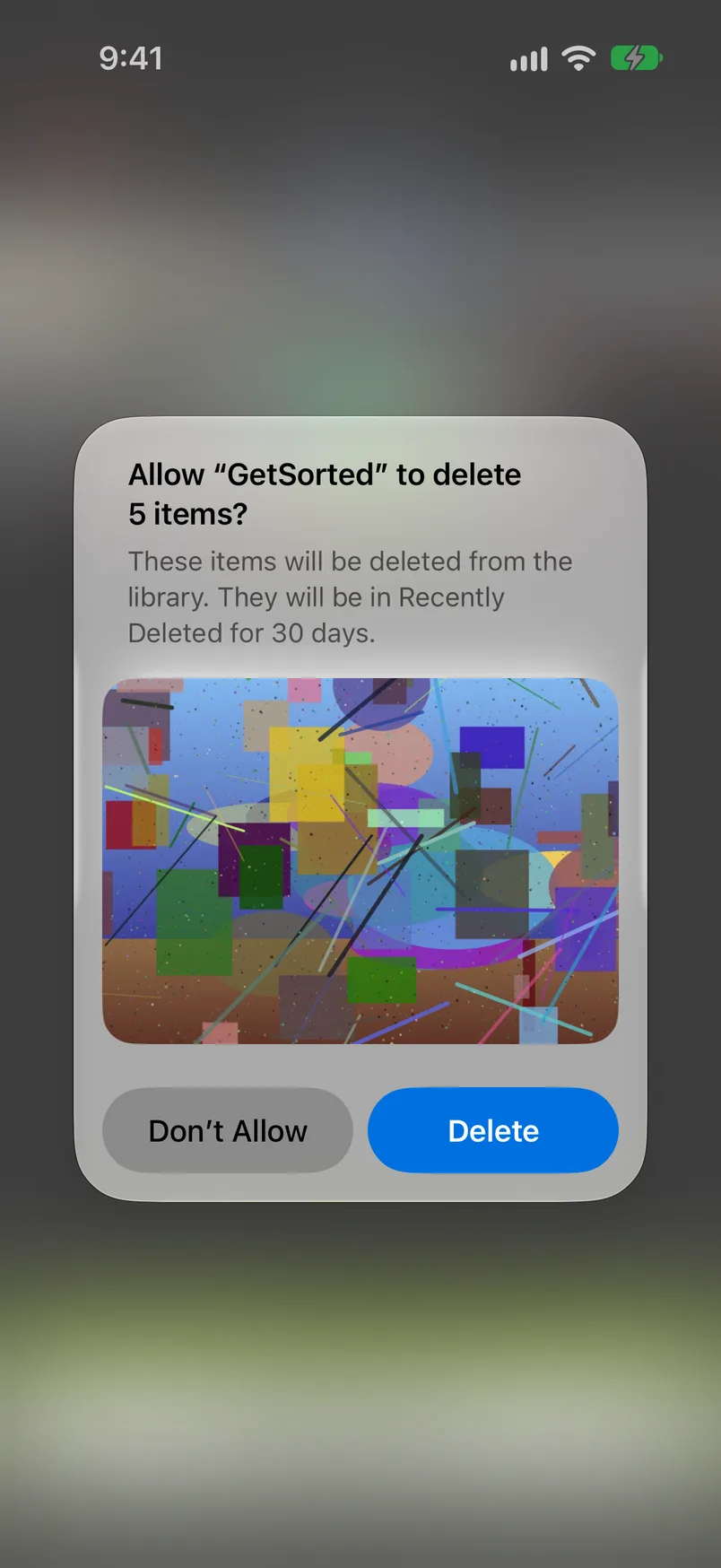
30 days to get a photo back from Recently Deleted in the Photos app.
Photos are shown and compared on your device. The app sends usage statistics and crash reports, never photos.
“It’s fun and less overwhelming to declutter photos by month.”
“Makes a tedious task simple. I saved 8gb in just a few days.”
“I’ve got literally 88,000 in my iCloud, and I’ve already culled 8000 - so many screenshots I didn’t need!”
“I have a million photos and this is so doable to go through 50 (or whatever amount) a day. WAY better than trying to do it on your own in photo albums.”
Ratings as of November 14, 2026. Reviews are quoted as written on the App Store; longer ones are shortened, never reworded.
Plain answers to the questions people ask about a crowded photo library, with or without the app: how to sort photos into albums and declutter photos, which apps let you swipe to delete photos, how the photo cleaner apps compare, and what a photo organizer app can do.
Short answers. Each one links to the longer version.
No. A swipe up only marks a photo Remove, and nothing leaves your library while you sort. Marked photos wait in GetSorted’s Trash. They are deleted only when you complete a month or empty the Trash and confirm the iOS dialog, and after that they stay in Recently Deleted in the Photos app for 30 days. Nothing is ever deleted automatically or in the background.
Yes, in two stages. Before anything is deleted, every decision can be changed: go back to the photo and choose Keep, or open the Trash and tap the photo. After a deletion you confirmed, the photo is in Recently Deleted in the Photos app for 30 days and can be recovered there. One exception comes from Apple: if your iCloud storage is over its limit, deleted photos are removed at once and are not kept in Recently Deleted. GetSorted itself cannot bring a deleted photo back.
GetSorted is free to download, and six months of your library are free to sort: six calendar months of your choice, each from start to end, however many photos they hold, with no time limit. The app calls this the free trial, but it is six months of photos, not six months of time. A month counts from your first decision in it, so looking uses nothing; pick full months. After that, GetSorted Plus unlocks every month. The app shows no ads to anyone.
GetSorted Plus is a subscription with a monthly and a yearly plan, bought through the App Store; you can cancel it at any time in the subscription settings of your Apple Account. There is no weekly plan and no one-time purchase on sale. The App Store shows the price for your country on the app’s page under In-App Purchases, and the app shows it before any purchase. If you bought the full version in the past, it is still honored: tap Restore purchase, and write to support@sorted.app if it does not come back.
No. GetSorted does not upload your photos or videos; they are shown and compared on your device, and there is no account. Two things to know: a photo leaves your phone when you share it from the app, and photos whose originals are stored only in iCloud are loaded by iOS over the network. GetSorted needs access to all photos because with a limited selection it cannot see the months it is meant to clean up. The app does send usage statistics, crash reports and your purchase status to three services, from the first launch and without a switch; they contain no photos or videos.
No to both. You decide every photo; GetSorted makes the deciding quick. Exact duplicates are a job for the Photos app, whose Duplicates album merges identical copies. GetSorted groups photos that look alike and were taken within minutes of each other, and lets you go through a group photo by photo so you keep the best one. It never marks a photo by itself, suggests no best shot, and does not compress photos or clean caches and contacts.
No. You work through one month at a time and set a daily goal, a batch size that suits you. Stop when the batch is done and carry on tomorrow. Streaks and achievements help you come back.
Each has its own list across all years, month by month, next to the groups of similar photos. What you sort there counts for that month too.
Not at once. What you remove and confirm goes to Recently Deleted in the Photos app, where it still takes up space for up to 30 days. The space is free when you empty that album or when the 30 days are over. That is how iOS works, and it is the same when you delete in the Photos app. With iCloud Photos on, a deletion also applies to iCloud and to your other devices.
Yes. GetSorted runs on iPhone and iPad, and an iPad with enough width shows two columns. Your progress (decisions, statistics, achievements and the daily goal) is saved in your own iCloud and shows on your other devices with the same Apple Account. The sync is not instant: open GetSorted on the other device and give it a moment. It carries your decisions, not your photos.
No. GetSorted runs on iPhone and iPad only; there is no Android version and no Mac app. It works with the Apple Photos library on your device, and it is available in English and German.
No. Clean Up in Apple’s Photos app is an editing tool that erases objects from a single picture. GetSorted is for cleaning up the photo library: it helps you decide which photos and videos stay and which go, and it never edits a photo.
Free to download and try, on iPhone and iPad.