
Choosing an app
Best Photo Organizer Apps for iPhone: Sort First, Then Store
There is no single best photo organizer app for iPhone, because organizing is three jobs. To find photos again, the built-in Photos app is usually enough. To thin out a library and file the keepers into albums, use a sorter such as GetSorted or Slidebox. For one library across all your devices, look at Google Photos or Mylio Photos.
The makers of GetSorted wrote this guide. Facts about other apps come from their US App Store pages, read on 15 November 2026. We installed none of them, so how an app works is always according to its listing.
Is there an app to organize photos on iPhone?#
Yes, and the first is already on your phone: the Photos app. Beyond it are three kinds of photo organizer (photo organiser, in British spelling), each for a different job. Decide which job you have before you pick the best app to organize photos on iPhone.
Organizing is three jobs: thin out, group, find again#
- Thin out. Decide which photos stay. Only you can, so the tool is a photo sorting app that shows one photo at a time.
- Group. Put the keepers into albums: by hand in Photos, or with one tap in a sorter (how to sort photos into albums).
- Find again. Search, people, places, tags. Here the Photos app is the better answer.
Sort first, then store: albums and tags are worth more once the blurred and repeated shots are gone.
What does the Photos app already do for free?#
On iOS 26 and iOS 27, according to Apple's iPhone User Guide (read 15 November 2026):
- Open Photos and tap the Search button in the bottom-right corner.
- Type a month or year, a city, a category such as beach or sunset, or a person or pet you have named.
- Tap a suggestion to see the results.
- People, pets and trips. Under Collections, Photos groups them by itself in People & Pets and Trips.
- Map and filters. In the Library, the Sort and Filter button shows a map, sorts by date taken or added, and filters, for example to videos only.
- Albums and folders. Tap Collections, Albums, then the Add button for a new album or folder.
- Duplicates. Tap Collections, Utilities, Duplicates, then Merge. The collection appears only when duplicates exist.
- Keywords and star ratings. Keywords you can search for and ratings from 1 to 5 stars are described in Apple's guide for iOS 27, not in the one for iOS 26.
Where Photos stops: you can swipe from photo to photo and delete, but Apple's guide describes no pass that records a decision for each one, and albums are filled by selecting photos in a grid. How to organize photos on iPhone has the built-in steps.
Which kinds of photo organizer apps are there for iPhone?#
- Sorters on Apple's library take you through your photos: you remove a photo or file it into an album, and the change lands in the Photos app. GetSorted and Slidebox work this way. Pick this kind for an app to sort through photos on iPhone or to organize your camera roll.
- Photos replacements are a second front end for photo management, with keywords, smart albums and ratings. HashPhotos is one.
- Cross-device and cloud libraries keep one library for all your devices: Google Photos in your Google Account, Mylio Photos, according to its listing, on your own devices without cloud storage.
Storage cleaners, which scan for duplicates and large videos, are a neighboring kind; see best photo cleaner apps.
The best photo organizer apps for iPhone, side by side#
What is the best app to organize photos on iPhone? Read down the column of your job. Source for the other apps: their US App Store pages, 15 November 2026. "Not stated" means the listing is silent.
| App | Kind | Thin out | Group into albums | Find again | Price model |
|---|---|---|---|---|---|
| Photos (Apple) | Built in | By hand; merges duplicates | By hand; albums and folders | Search, People & Pets, map; keywords and ratings on iOS 27 | Free |
| GetSorted | Sorter | Keep or Remove, photo by photo, month by month | One tap on an album chip keeps and files the photo | No photo search, no tags | Six months of your library free, then a monthly or yearly subscription |
| Slidebox | Sorter | A swipe removes a photo | One tap files a photo into an album | Favorites; search and tags not stated | Free download; weekly, monthly and yearly plans, one-time lifetime purchase; what is free is not stated |
| HashPhotos | Photos replacement | Finds duplicates and similar photos | Add to album, smart albums | Keywords also searchable in Apple Photos, star rating, map | Free version; Pro monthly, yearly or one-time |
| Mylio Photos | Cross-device library | Finds bursts and similar photos | Not stated; folders and filters | Tags added by on-device AI | Free download; premium plan monthly or yearly; what is free is not stated |
| Google Photos | Cloud library | Stacks duplicates and similar photos | Custom albums | Search by description | Free with up to 15 GB of Google Account storage, then paid storage |
Dated prices, GetSorted's included, are in free photo cleaner apps and Slidebox alternatives.
How GetSorted handles thinning out and albums#
GetSorted is not a full photo organizer. It helps you decide what to keep and files photos into your Apple Photos albums while you sort, one calendar month at a time:
- Open a month from the Overview tab and tap Start sorting.
- Each photo fills the screen. Swipe up to mark it Remove or down to mark it Keep. Nothing is deleted yet, and any decision can be changed.
- Or tap an album chip, one of up to eight albums you pinned: the photo is kept and added to that album in Photos. Choose album… opens all your own albums, with search and New album.
- For several photos at once, use Quick Select on the month grid.
- When the month is decided, tap Complete month and confirm the iOS dialog. Only then are the photos marked Remove deleted; they stay in Recently Deleted for 30 days.
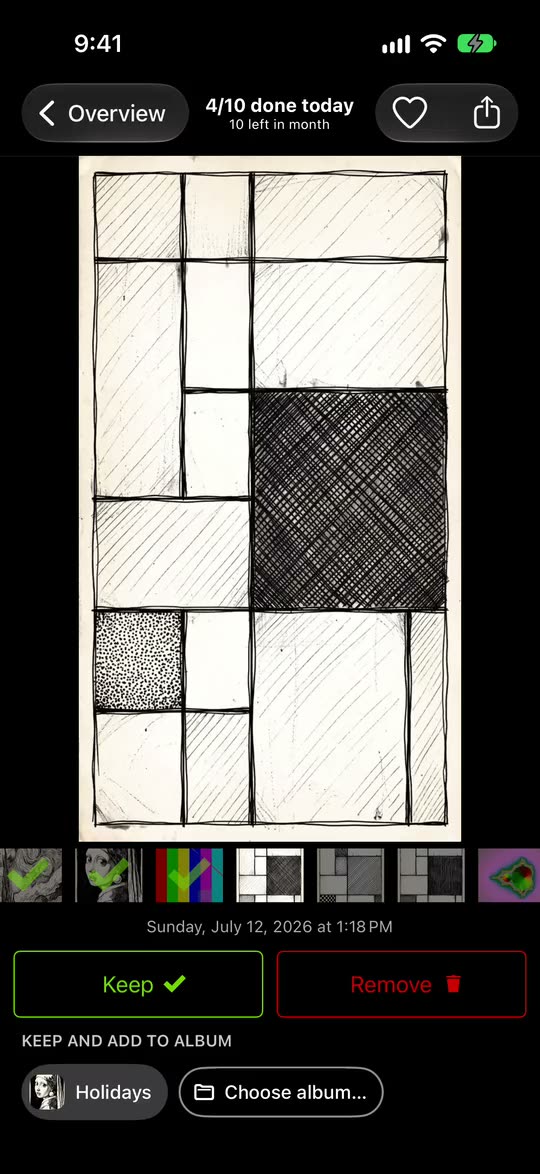
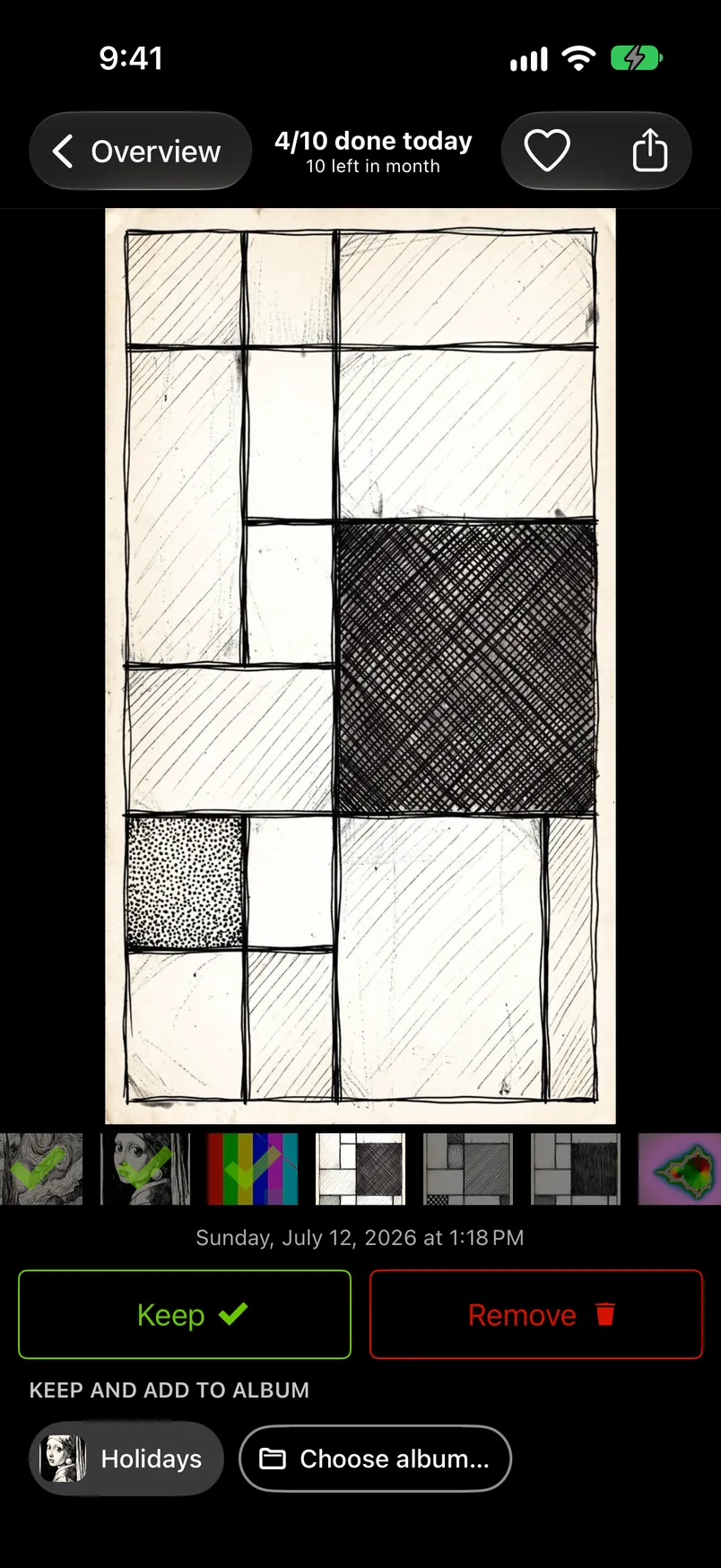
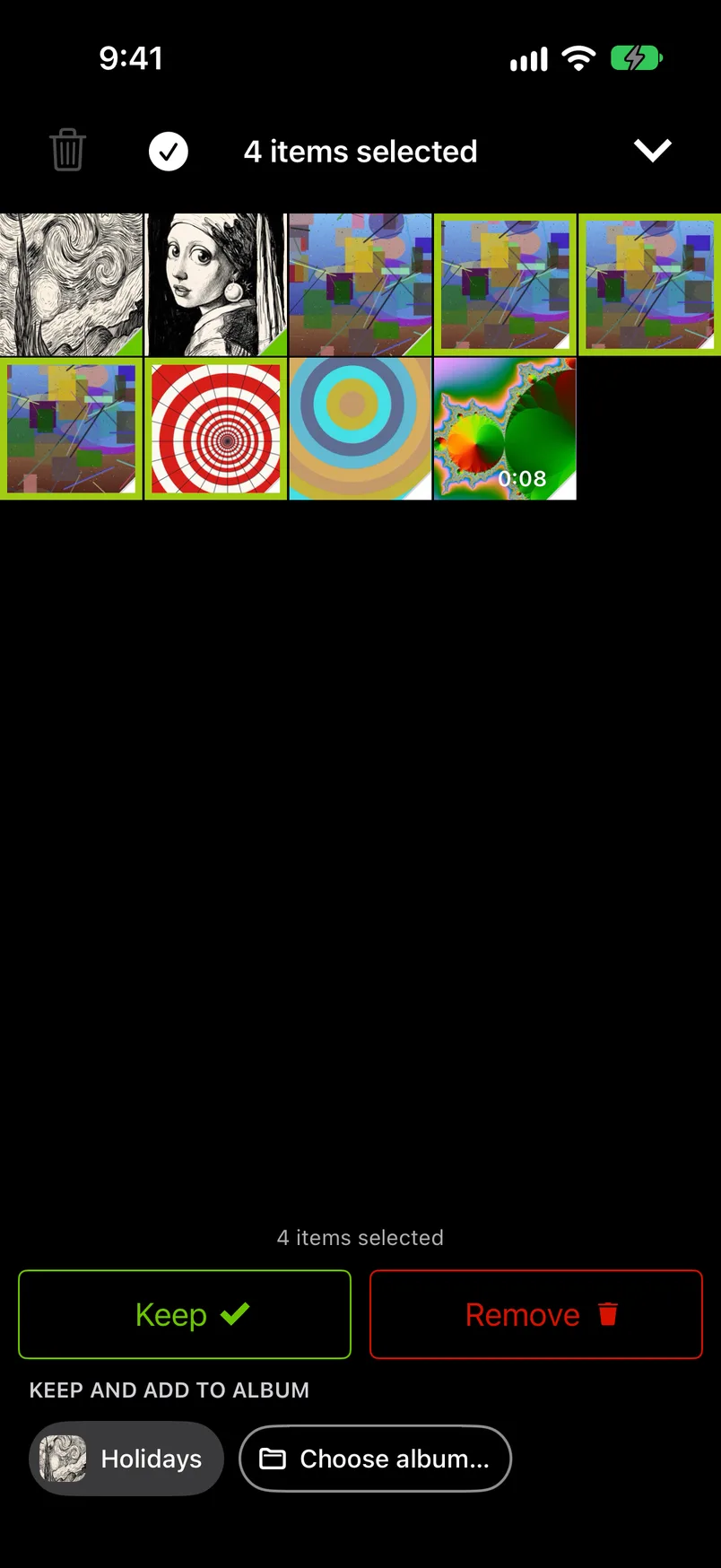
GetSorted is free to download and shows no ads. Free means six calendar months of your library, of your choice and with no time limit: six months of photos, not six months of time. A month counts from the first decision in it. After that, GetSorted Plus, a subscription with a monthly and a yearly plan, unlocks the other months (what is free).
What GetSorted does not do
- It never chooses for you: no automatic sorting, no suggested best shot, no recognition of people, places or objects.
- It does not reorder photos or albums in the Photos app and cannot create folders or delete albums (limits).
- No tags, no photo search, no library of its own. To find a photo again, use the search in Photos.
- No cloud: GetSorted does not upload your photos or videos; they are shown and compared on your device. It does send usage statistics, crash reports and purchase status to three services (Privacy).
- iPhone and iPad only: no Android or Mac version.
- After the six free months of your library, the other months need the subscription.
Do organizer apps change your Apple Photos library?#
Sorters on Apple's library do, which is the point. GetSorted changes yours in three ways only, each at your request: it adds photos to albums or takes them out (and creates or renames an album when you ask), sets a favorite when you tap the heart, and deletes what you marked Remove once you complete a month or empty its Trash and confirm. An album is a list, not a copy.
iOS keeps a deleted photo in Recently Deleted for 30 days, and with iCloud Photos the deletion applies on all your devices. Cloud libraries add a copy of their own, yet deleting a photo in the Google Photos app also deletes it from your device (Google's help page, read 15 November 2026).
Is there an app to organize photos on an iPhone?
Yes. The built-in Photos app searches and holds your albums, and a sorter such as GetSorted or Slidebox lets you decide photo by photo and file the keepers into albums.
Can an app organize my photos automatically?
Partly. Photos groups people, pets and trips by itself, and the listings of CleanMy®Phone and Mylio Photos describe AI categories and AI tags (App Store, 15 November 2026). An app can sort by what it recognizes, not by what matters to you, and GetSorted never chooses for you.
Are there free photo organizer apps for iPhone?
The Photos app is free. The other apps in the table are free to download and sell plans or purchases. GetSorted lets you clean up six months of your library at no cost (six months of photos, not six months of time), then needs a subscription. Free photo cleaner apps compares what is free, with dated prices.
Do photo organizer apps work on iPad?
GetSorted runs on iPad with a two-column layout, and with iCloud Photos on both devices your progress shows on both, though not at once. The App Store pages of Slidebox, HashPhotos, Mylio Photos and Google Photos list iPad too (15 November 2026).